



ShipBob WMS is a warehouse management system designed for eCommerce brands that outsource fulfillment to ShipBob’s network of third-party warehouses.
It is tightly integrated with ShipBob’s fulfillment services and focuses on giving merchants operational visibility rather than deep, standalone warehouse customization.
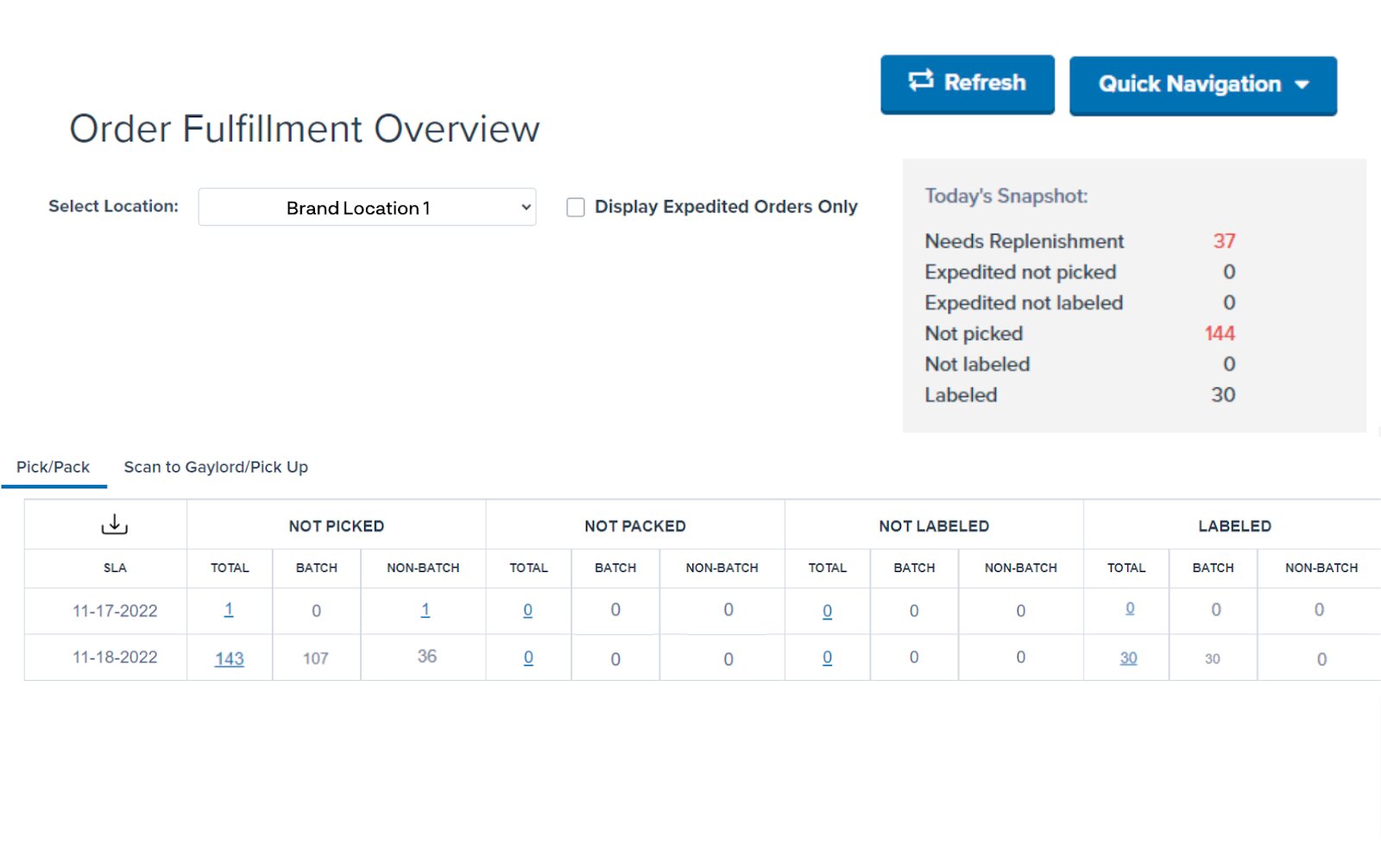
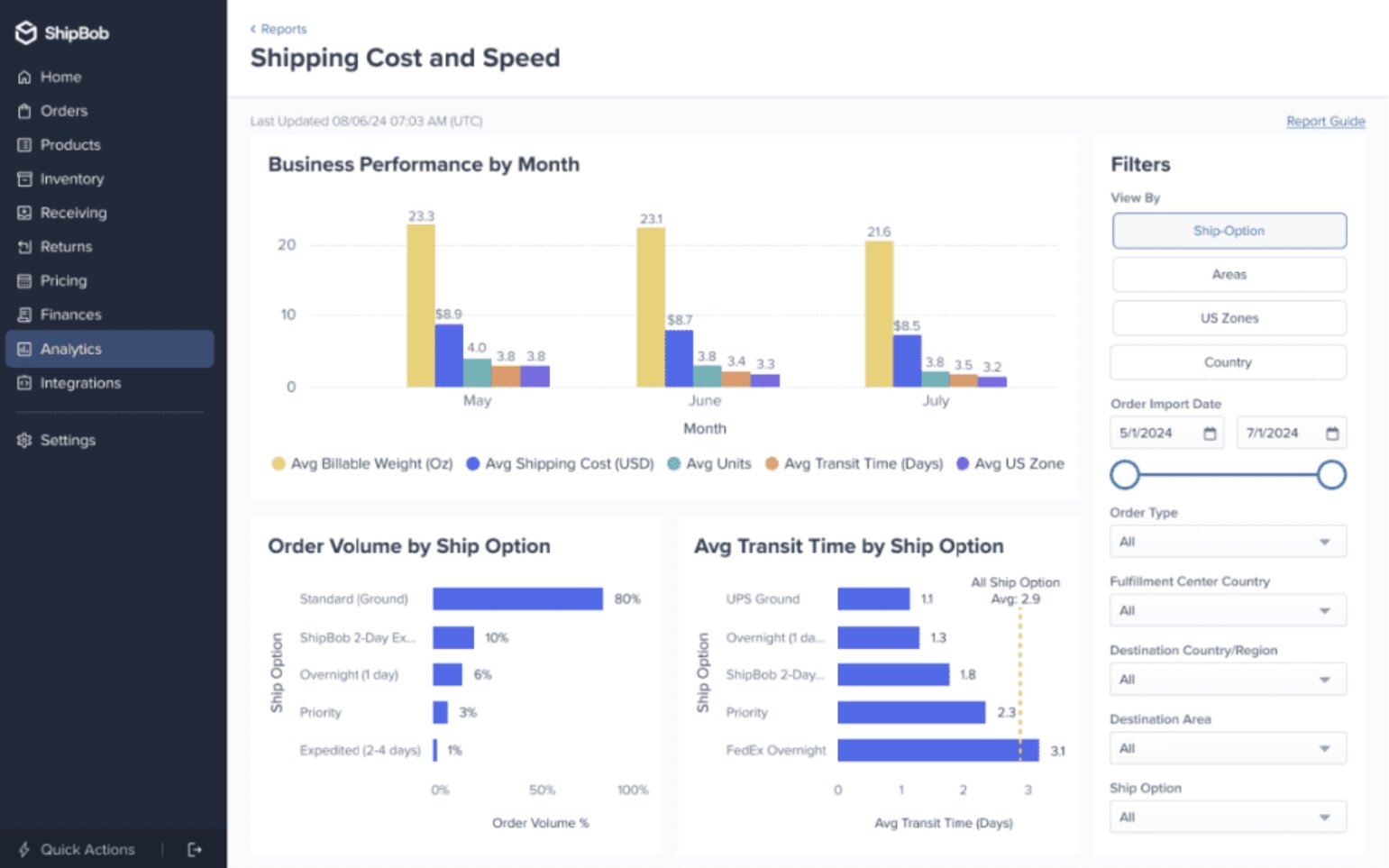
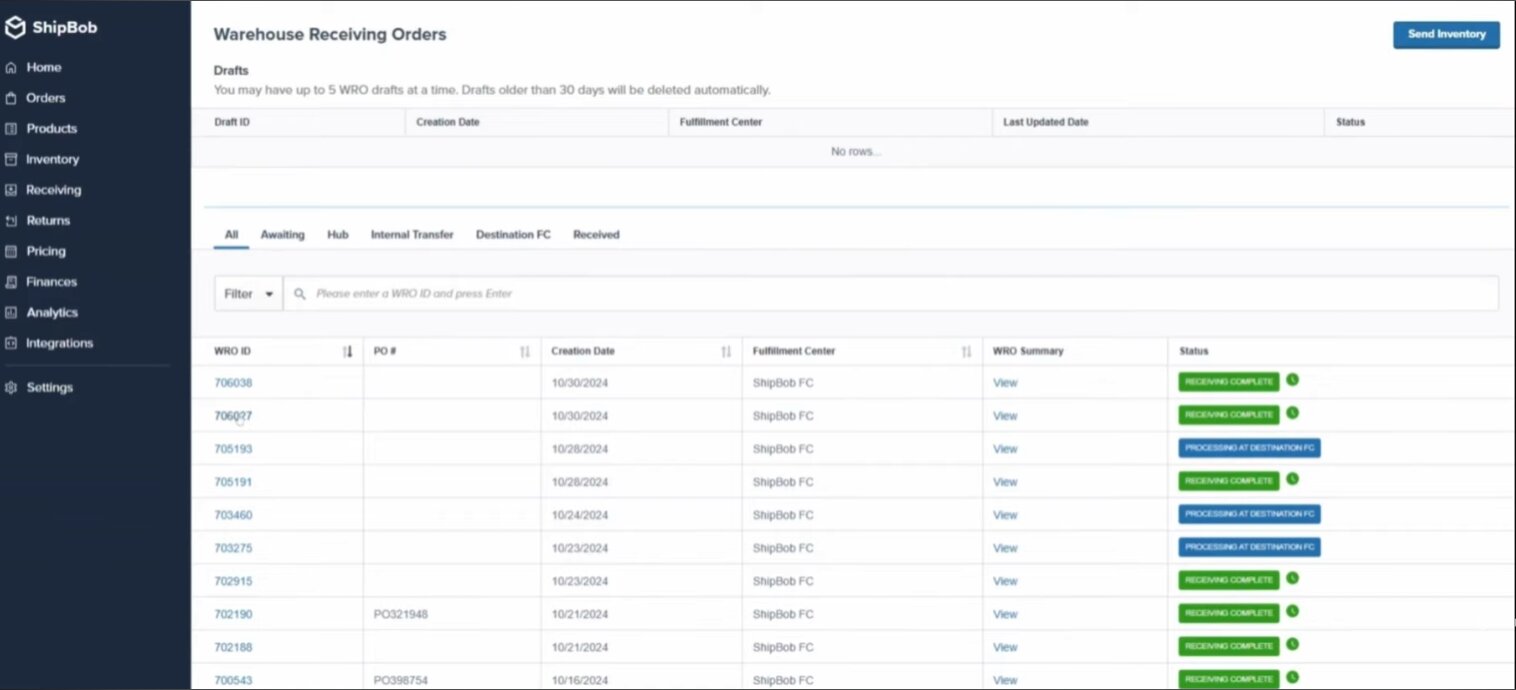
The platform centralizes inventory data across ShipBob facilities and sales channels, allowing teams to monitor stock levels, order status, and fulfillment performance from a single interface.
It's primarily used by small to mid-market D2C eCommerce businesses that want to avoid running their own warehouses while still maintaining control over inventory and shipping workflows.
As an out-of-the-box system, onboarding is structured around migrating inventory into ShipBob warehouses and connecting sales channels. As a result, setup is typically faster than implementing an independent WMS, but flexibility is limited to ShipBob’s predefined workflows.
The interface is designed for non-technical users, with most configuration handled through ShipBob’s support and onboarding teams rather than through in-app customization.
ShipBob WMS is not sold as standalone software. Access to the system is bundled with ShipBob’s fulfillment services.
Costs are typically usage-based and may include storage, picking and packing, shipping, and additional service fees. Total cost can vary significantly depending on order volume, product characteristics, and warehouse locations.

Download your extended software profile for ShipBob WMS. Get more information about features and pricing.
Download
A complete guide to WMS costs, and how to calculate your budget based on these

What features of food traceability software will help you during a food recall

How to gather requirements for a new WMS, and features to look for to meet them
Pricing Guide

Download your pricing guide by completing the form below.
Price Quote
Complete the form below to access a video demo of this software.
Other Users often Compare these Four Solutions
Download your bespoke report in a single pdf.
Extended Software Profile
Get your extended software profile by completing the form below.
Extended Software Profile